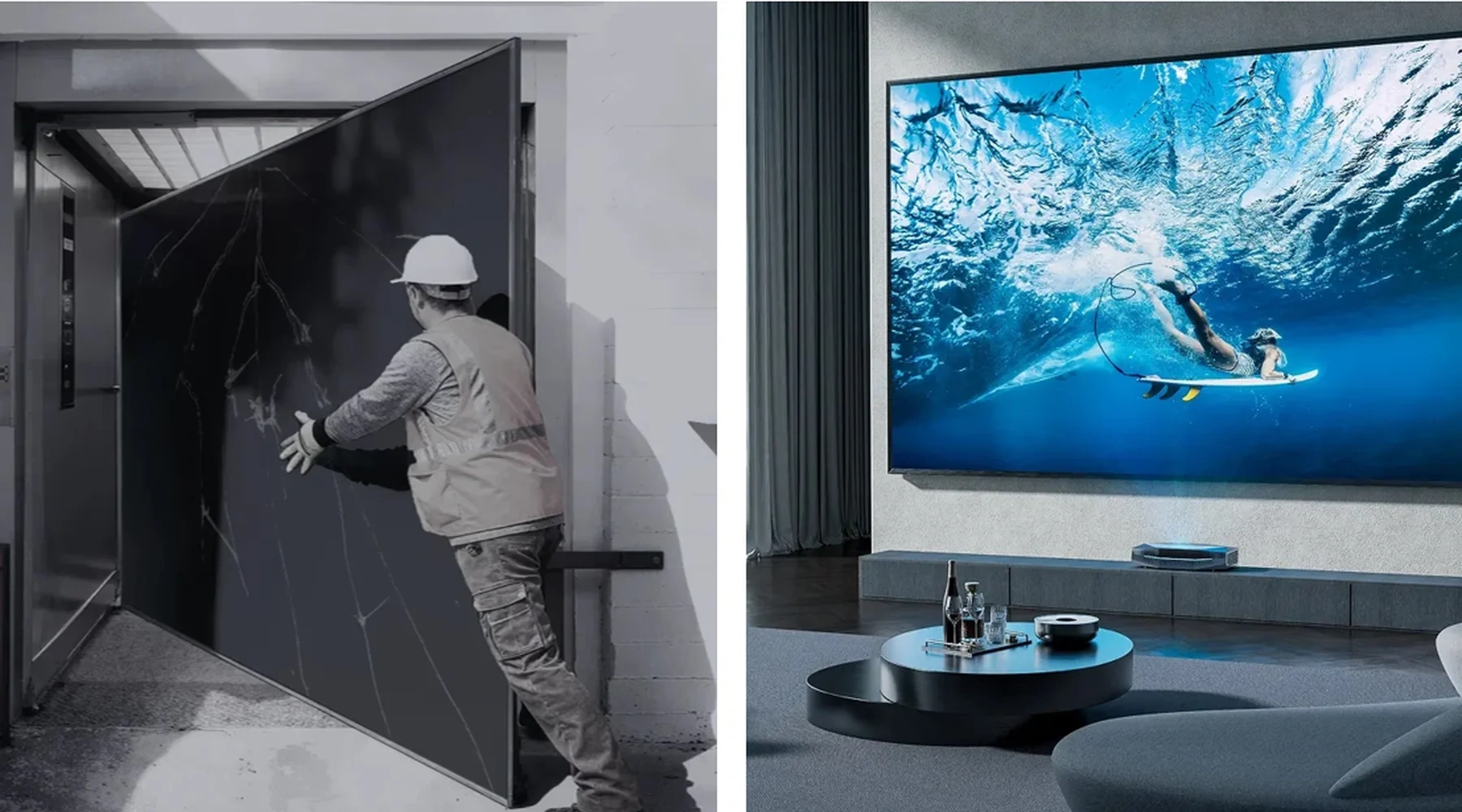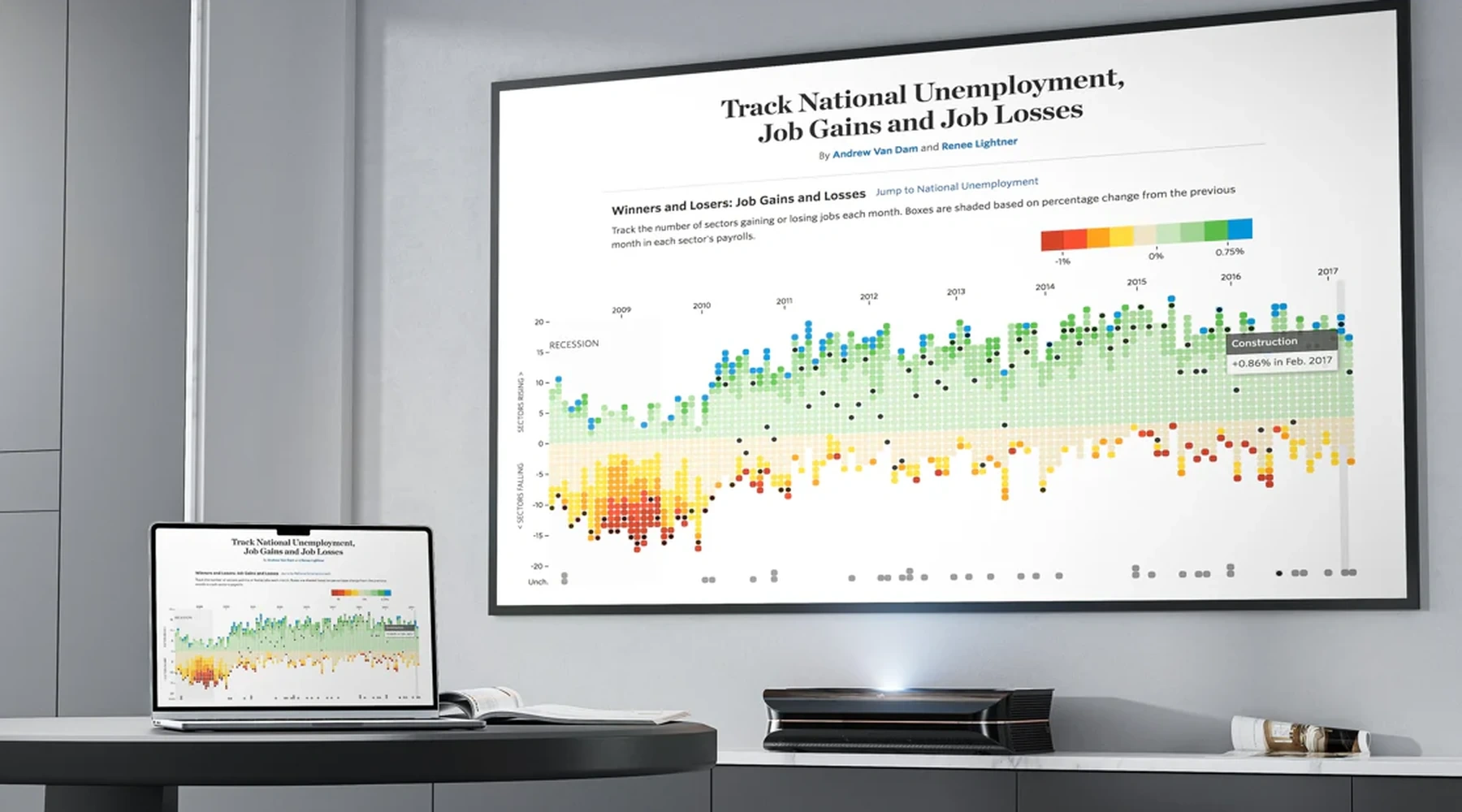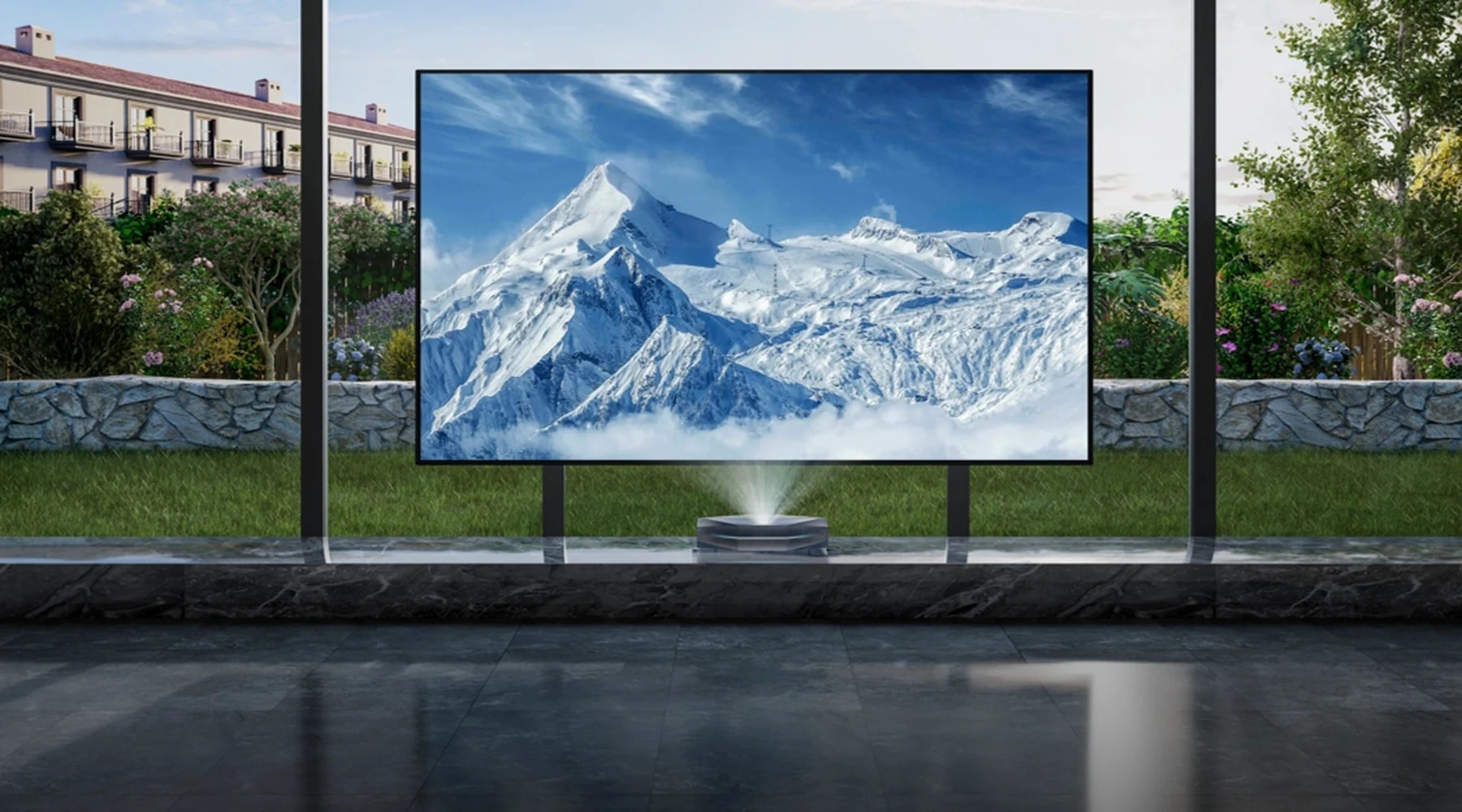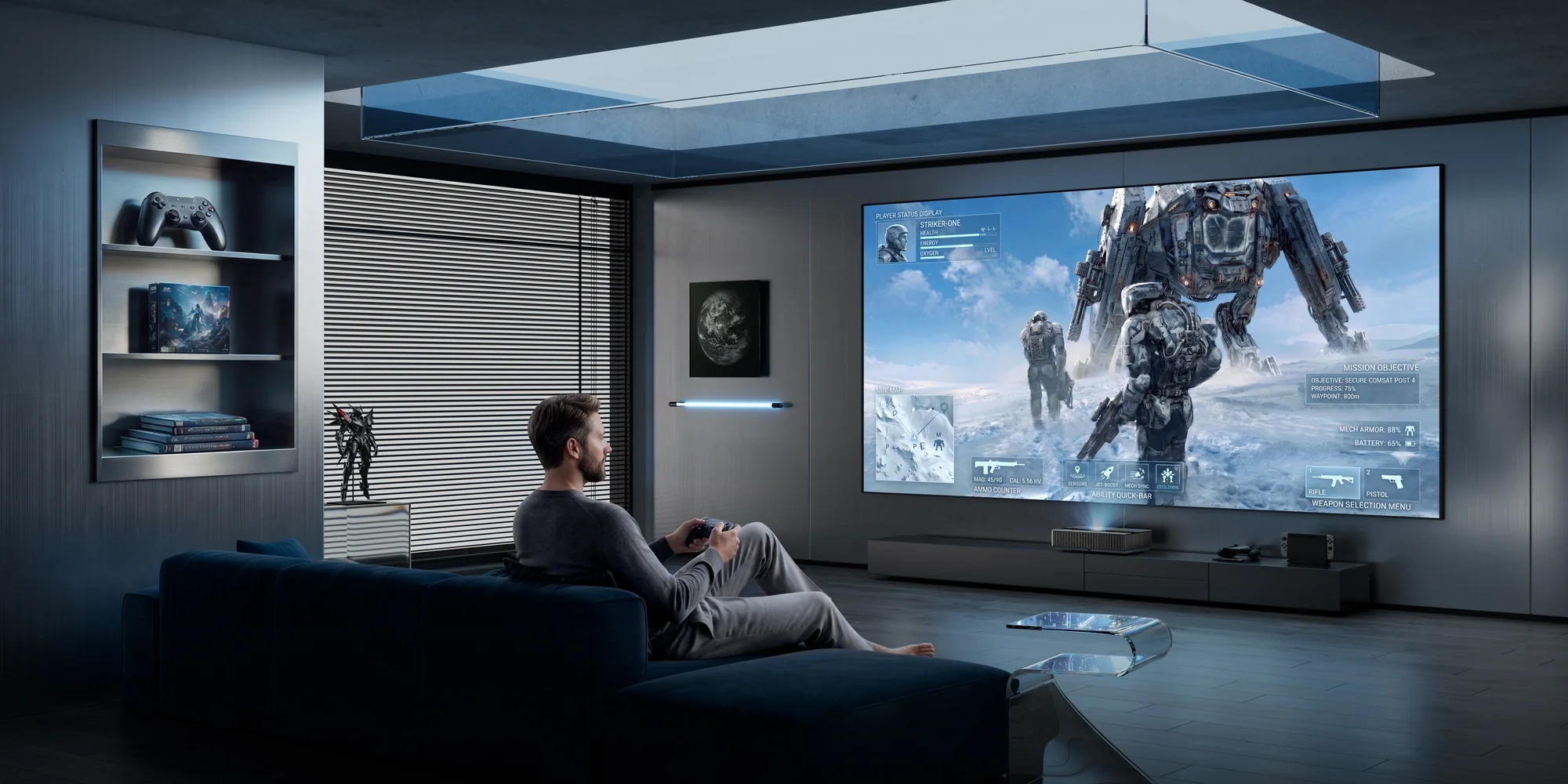
Yes, projectors can be excellent for gaming when their performance and placement suit the way you play. A sprawling landscape, a cockpit view or a shared adventure on the sofa gives a large projected image a clear purpose. The experience becomes more compelling when the controls feel responsive and the picture holds up in your room.
Choosing a gaming projector means looking at three things together: your games, your preferred display mode and your space. Get those right, and an evening with a controller can feel like a much bigger occasion.
When the Setup Matches the Way You Play
Exploring Game Worlds and Sharing the Sofa
Picture the moment a narrow forest path opens onto a mountain range. You pause, turn the camera and take in the view. These quieter moments are part of the appeal of playing on a large screen: the scenery has room to spread out, and exploring becomes an experience in itself.
A projector is particularly worth considering if you enjoy story-led adventures, open-world exploration or games shared with friends. With a larger split-screen image, each player can have more viewing space, provided the seating distance and game interface work well together.
Think about what you actually play during a typical week. If your evenings involve settling into a favourite world from the sofa, image detail, contrast and comfortable viewing deserve as much attention as headline speed.
Racing, Fast Action and Competitive Play
A large cockpit view can make a racing setup feel more absorbing. It also brings practical questions into focus: where will the wheel sit, can you see the whole interface comfortably, and will your equipment interrupt the projection path?
For fast action, responsiveness becomes more prominent. Braking into a corner, timing a dodge or tracking another player all make the connection between your input and the image matter.
A projector can belong in this setup, but compare its performance in the mode you intend to use. If competitive play is your priority, give measured input lag and motion performance more weight than maximum screen size. Where possible, try a familiar game during a demonstration; it gives you a useful reference for both responsiveness and viewing comfort.
The Gaming Specs That Shape the Experience
Read Resolution and Refresh Rate Together
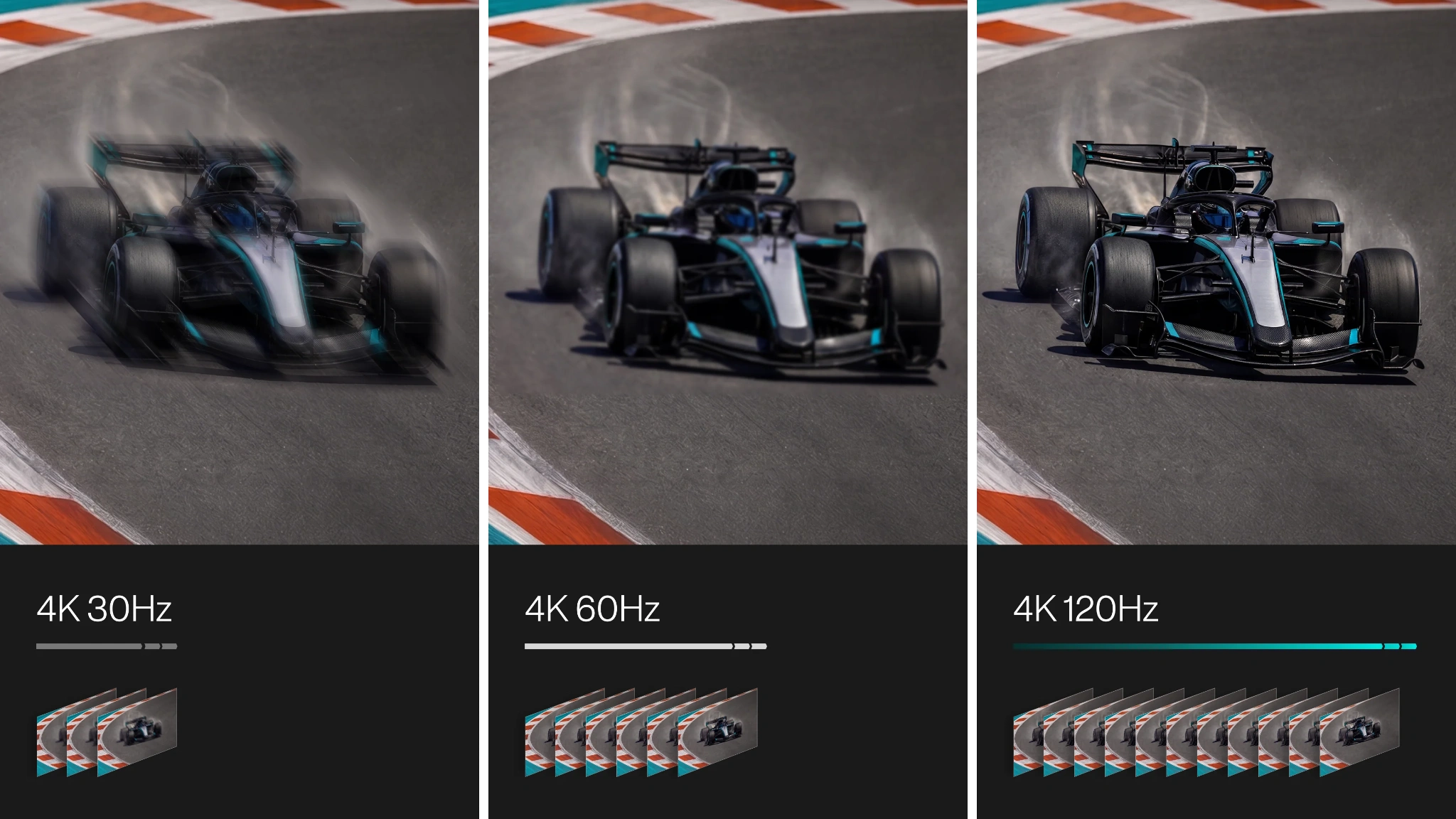
Resolution describes the image’s pixel dimensions. Refresh rate, measured in hertz, describes how frequently the display refreshes. Both affect the experience, but a projector’s highest resolution and highest refresh rate may be available in different modes.
For example, a model might offer 4K at 60Hz and 1080p at 120Hz or 240Hz. Its specification sheet can legitimately mention both 4K and 240Hz without providing 4K at 240Hz.
There is another distinction worth checking: accepting a signal does not always mean displaying it at the same resolution and refresh rate. Some projectors accept a 4K/120Hz input and then reduce the resolution or refresh rate in the imaging process.
Before choosing a 4K gaming projector, look for the supported combinations and the actual displayed output. Then match them to your games. A detailed adventure and a fast competitive session may lead you towards different priorities.
A 120Hz display also does not make every game run at 120 frames per second. The game, its selected graphics mode and your console or PC must support the frame rate you want.
Check Input Lag in the Mode You Will Use
Input lag is the delay the display adds between receiving a signal and showing the corresponding image. It is one part of the overall delay between pressing a button and seeing an action.
The useful number is the measurement for your intended resolution, refresh rate and picture mode. A projector’s lowest advertised latency may come from a lower-resolution, high-refresh-rate setting.
Use this short checklist when comparing specifications:
|
Specification |
What to confirm |
|
Resolution and refresh rate |
Can the projector display your preferred combination? |
|
Input lag |
Was it measured at that combination? |
|
Picture mode |
Does the measurement require Game Mode or another low-latency setting? |
|
Additional processing |
Were features such as motion interpolation disabled? |
Game Mode is a sensible starting point because it is designed to reduce display processing. Keep motion interpolation off for gaming unless the manufacturer provides a specific reason to use it. Frame smoothing for films serves a different purpose from responsiveness during play.
Understand What VRR and ALLM Add
Two other features can make a gaming setup easier to live with:
- Variable Refresh Rate (VRR) allows the display’s refresh timing to follow a compatible source’s changing output, helping reduce screen tearing within the supported range.
- Auto Low Latency Mode (ALLM) lets a compatible source signal the display to switch into its low-latency mode.
They perform different jobs. VRR addresses refresh timing; ALLM automates a mode change. Check compatibility with your source device and intended display mode, rather than treating either badge as a complete performance verdict.
This combination is part of the appeal of AWOL’s LuxVision. Its specifications bring together 4K/120Hz, VRR and ALLM, addressing image detail, refresh timing and automatic low-latency switching in one feature set. For players drawn to expansive game worlds as well as faster action, those are meaningful capabilities to watch as further product details emerge.
Make the Big Screen Work in Your Room
Plan for Daylight and Your Projection Surface
An atmospheric night scene is a useful test of a gaming setup. In a bright room, ambient light can wash out the projected picture, making dark areas look less distinct. Consider the light that reaches the screen at the times you usually play.
For a British living room, that might mean comparing a winter evening with a summer session before sunset. Curtains or blinds can make light control part of the setup without requiring a dedicated cinema room.
A suitable ambient light rejecting screen can help preserve contrast by reducing some unwanted light reaching the viewer, but its effectiveness depends on the screen design and the direction of the light. It cannot make room lighting irrelevant. For an ultra-short-throw projector, choose a screen specifically compatible with UST projection geometry.
Check Throw Distance, Furniture and Seating
Short-throw and ultra-short-throw projectors are different categories. A short-throw model still needs a defined distance from the screen; a UST model typically sits close to it, often on furniture below the image.
Check the manufacturer’s installation dimensions for your chosen screen size. Include the projector’s depth, the required gap behind it, ventilation clearance and the image’s height above the furniture. A unit positioned near the wall still needs a carefully planned home.
Measure your viewing position too. Before committing to a screen size, mark its outline on the wall and sit where you normally play. Imagine looking between the centre of the action, a map in one corner and a health bar in another. This simple exercise helps you judge whether the scale feels inviting or demands too much head movement.
For racing equipment, check the entire projection path with the wheel and seat in position.
Connect Your Console or PC for Your Target Mode
You can connect a PS5, Xbox or PC to a projector with a compatible video input. The next question is whether the complete connection supports the mode you want.
Check the source output, the projector’s relevant HDMI port, the cable and any receiver or switch in between. If your intended mode is unavailable, temporarily connecting the source directly to the projector can help identify whether an intermediate device is limiting the signal.
On PS5, the Screen and Video settings include information about the connected display and controls for resolution, 120Hz output, VRR and ALLM. PlayStation’s official guide is useful for checking the connection and troubleshooting missing modes.
Once the connection is working, check the game’s own graphics settings. A console output setting and an in-game performance option are separate parts of the setup.
Is a Projector the Right Choice for Your Gaming Setup?

When the Large Image Earns Its Place
A projector deserves serious consideration when screen scale is central to what you enjoy and you can give the image the space and light control it needs.
Use your actual playing habits to make the decision:
|
Your usual session |
Performance priority |
Room check |
|
Story-led adventures from the sofa |
Detail, contrast and responsive controls at your chosen mode |
Can you control light for darker scenes? |
|
Shared or split-screen games |
Readable interfaces and a mode suited to the game |
Can everyone see comfortably from their seat? |
|
Racing with a wheel and cockpit |
Motion handling and input lag |
Will the equipment fit without obstructing the image? |
|
Competitive action |
Measured latency and refresh-rate support |
Can you comfortably track the whole playing area? |
Compare the complete setup cost, including the screen, any furniture changes, cables and audio you need. That gives you a more useful basis for choosing than the projector price alone.
When a TV or Monitor Fits Your Priorities Better
A TV may be the easier choice if you regularly play in a bright room and want a picture that requires less attention to the projection surface and placement.
A gaming monitor may suit a desk-based setup where close viewing, compact dimensions and competitive performance dominate the decision. Compare specific models using equivalent modes and measurements; the display category alone cannot tell you how responsive a device will feel.
For a projector, the strongest case is the experience you want to return to: a landscape filling your view, a race unfolding beyond the wheel, or friends settling in for another shared session. When the performance and room support that experience, the larger image earns its place.
If that is how you picture your next gaming setup, keep an eye on AWOL LuxVision. With 4K/120Hz, VRR and ALLM, there is plenty to look forward to as its big-screen gaming story unfolds.